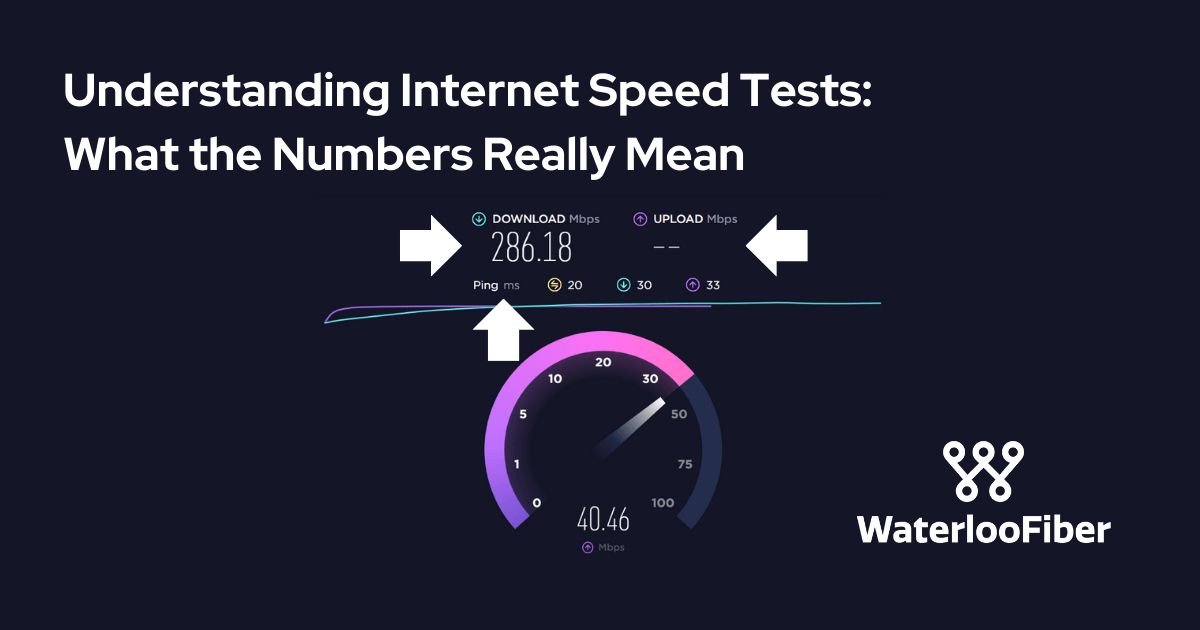
You've probably run an internet speed test before—maybe when your video kept buffering, or when you first set up your service to see if you're getting what you paid for. But when those results pop up showing download speeds, upload speeds, ping times, and jitter measurements, do you really know what you're looking at?
Let's break down what these numbers actually mean, how to test properly, and when those results should prompt you to take action.
The Three Main Numbers (and What They Tell You)
Download Speed is the star of the show for most people, and it's exactly what it sounds like: how quickly data flows from the internet to your device. Measured in megabits per second (Mbps), this number determines how smoothly you can stream Netflix, download files, or scroll through social media. With fiber internet, you're getting speeds that can range from 300 Mbps to 1000 Mbps (1 Gigabit) or even higher—plenty of bandwidth for multiple people streaming 4K video simultaneously.
Upload Speed measures data flowing the other direction: from your device to the internet. This matters when you're video conferencing, uploading photos to the cloud, posting content to social media, or working remotely. Here's where fiber internet has a massive advantage: unlike cable or DSL connections that often give you upload speeds that are just a fraction of your download speeds, fiber provides symmetrical speeds. That means if you have 500 Mbps download, you also have 500 Mbps upload. This symmetry is game-changing for anyone who does more than just consume content.
Ping (or latency) measures the time it takes for a signal to travel from your device to a server and back, shown in milliseconds (ms). Lower is better here. A ping under 20ms is excellent for gaming and video calls, while anything over 100ms starts to feel sluggish. Think of ping as the internet's reaction time; it's why some connections feel more responsive than others, even at the same speed.
You might also see Jitter, which measures consistency in your ping times. High jitter means unstable connections, which can make video calls choppy or online gaming frustrating.
How to Test Properly (Because Location and Timing Matter)
Not all speed tests are created equal, and the conditions under which you test make a huge difference.
Use a wired connection whenever possible. Testing over WiFi introduces variables like distance from your router, walls, and interference from other devices. For the most accurate picture of what your internet service is actually delivering, plug directly into your router with an ethernet cable.
Close other applications and pause other internet activity. That software update running in the background? The smart TV streaming in the living room? They're all sharing your bandwidth and will skew your results downward.
Test at different times of day. Network congestion varies throughout the day. Testing only at 8 PM on a Tuesday when everyone's streaming might give you a distorted view. Run tests during different hours to get a complete picture. With fiber internet, you should see minimal variation between peak and off-peak hours, unlike cable networks that can slow down when your neighbors are all online.
Use multiple testing services. Try Speedtest.net, Fast.com (run by Netflix), and your internet provider's own test. Different servers and testing methods can yield different results. If you're a Waterloo Fiber customer and using company-provided equipment, the provider's own test can give you the most accurate picture of what's being delivered to your home.
What Affects Your Results (The Usual Suspects)
Even with perfect testing conditions, several factors influence what numbers you see:
Your equipment matters tremendously. An outdated router can bottleneck even the fastest connection. If you're using your own router, make sure it's rated for the speeds you're paying for. Company-provided equipment from your internet provider is typically matched to your service tier and comes with the added benefit of full technical support when issues arise.
WiFi is convenient but imperfect. The further you are from your router, the more your speeds drop. Walls, floors, and interference from other wireless devices all degrade performance. The 5GHz WiFi band offers faster speeds but shorter range, while 2.4GHz travels further but is more crowded and slower.
Device limitations can hold you back. That laptop from 2015 might not have a network card capable of handling gigabit speeds. Older smartphones often can't take full advantage of modern WiFi speeds either.
Network congestion primarily affects cable internet users who share bandwidth with neighbors on the same node. Fiber architecture typically provides dedicated bandwidth to each home, meaning your speeds stay consistent regardless of what your neighbors are doing.
When to Troubleshoot (Reading the Warning Signs)
So when should those speed test numbers actually concern you?
If you're consistently getting less than 80% of your advertised speeds over wired connection during off-peak hours, something's wrong. Occasional dips happen, but persistent underperformance warrants investigation.
If your upload speeds are dramatically lower than download speeds and you have fiber internet, that's unusual and worth checking out. Symmetrical speeds are one of fiber's key advantages—you should be seeing them.
If ping times are consistently over 50ms or jitter is high, you might have network congestion or equipment issues affecting real-time applications like gaming and video conferencing.
If WiFi speeds are much slower than wired speeds, that's actually normal to some degree, but dramatic differences might indicate router placement issues, interference, or outdated equipment.
The Bottom Line
Speed test numbers are diagnostic tools, not just bragging rights. Understanding what they mean helps you identify real problems versus normal network behavior. The key is testing properly under controlled conditions, knowing what to expect from your service type, and recognizing when results indicate an actual issue versus just the reality of wireless connections or device limitations.
When you're paying for high-speed fiber internet with symmetrical upload and download speeds, you should see those numbers reflected in your tests—and if you don't, you have good reason to reach out for support. With transparent service and comprehensive technical support (especially when using provider-supplied equipment), getting to the bottom of speed issues should be straightforward, not a frustrating runaround.
After all, understanding the numbers is the first step to making sure you're getting the reliable, high-performance internet you deserve.
