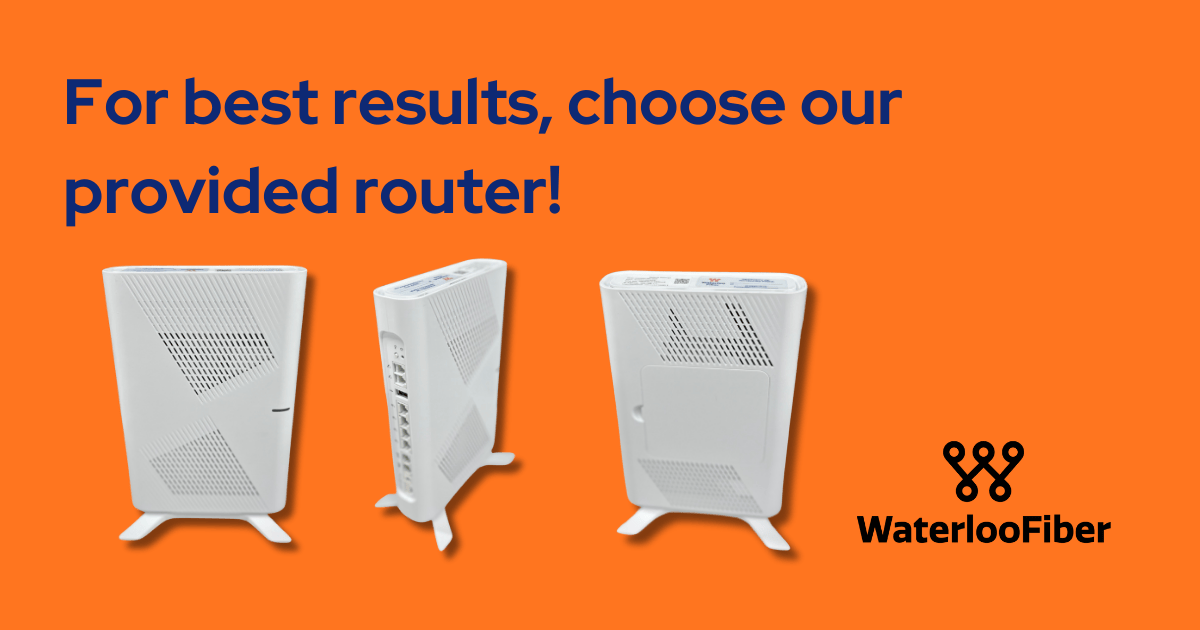
When you're setting up fiber internet service, one of the first decisions you'll face is whether to use your internet provider's router or bring your own. While the idea of using your existing router might seem convenient, there are compelling reasons why choosing Waterloo Fiber's provided router could save you time, frustration, and potentially money in the long run.
The Support Difference: What Happens When Something Goes Wrong
Picture this: It's Tuesday evening, you're trying to join an important video call, and suddenly your internet stops working. You call your provider for help, and this is where the router choice you made during setup becomes critical.
When you use your own router with Waterloo Fiber's service, the support team's ability to help you is significantly limited. They can verify that your ONT (Optical Network Terminal—the device that connects fiber to your home) is online and functioning properly. They can confirm that power levels look good and whether a router is connected to their network. But beyond these basic checks, they're working somewhat in the dark.
The support team can't run speed tests on your personal router. They can't see which devices are connected or whether you're experiencing signal strength issues in certain areas of your home. They can't tell if your router's firmware needs updating or if there are configuration problems causing connectivity issues. In many cases, the best they can do is suggest you check your router manufacturer's app for updates or contact that company's support team—adding another step and another phone call to your troubleshooting process.
Full Visibility Means Faster Solutions
When you choose Waterloo Fiber's provided router, the support experience transforms entirely. The moment you call with an issue, the support team can access detailed information about your entire network setup.
They can immediately see if the router is offline or experiencing problems. They can check how many devices are connected and what those devices are, which helps identify if a particular device might be causing network congestion. If you're experiencing slow WiFi speeds, they can run speed tests remotely to diagnose whether the issue is with your internet connection, your router's performance, or something else entirely.
This comprehensive visibility means faster problem resolution. Instead of spending time guessing what might be wrong or asking you to check various settings yourself, the support team can often identify and fix issues within minutes. They can reboot your ONT remotely if needed, push firmware updates to ensure your equipment is running optimally, and even adjust security settings if necessary.
Proactive Maintenance and Seamless Updates
One often-overlooked advantage of using Waterloo Fiber's router is the proactive maintenance built into the service. Routine maintenance updates are automatically scheduled and deployed to ensure your equipment stays current with the latest performance improvements and security patches. You don't need to remember to check for updates, navigate complicated firmware update processes, or worry about whether your router is running outdated software that could leave you vulnerable to security issues.
This hands-off approach to maintenance means your network is always running at peak performance without requiring any technical knowledge or effort on your part.
Convenience Features That Enhance Your Experience
Waterloo Fiber's provided routers come with several convenience features that make network management simpler. The support team can access your network name (SSID) and password, which is incredibly helpful if you've forgotten your credentials or need to share them with guests. They can even change your password remotely if you have security concerns.
For households with specific networking needs, the support team can set up secondary SSIDs—separate network names with different passwords or access levels. This is useful for creating a guest network or separating IoT devices from your primary devices. They can also help you understand whole-home WiFi connectivity patterns, ensuring you have strong coverage throughout your space.
Equipment Compatibility: Built for the Network
There's another practical consideration: not all routers are created equal, and not every router can fully support the speeds that fiber internet can deliver. When you bring your own router, there's always a question of whether it can handle your service plan's capabilities. Waterloo Fiber's provided routers are specifically selected and configured to work optimally with their fiber network, ensuring you're getting every bit of speed and performance you're paying for.
Peace of Mind: The Bottom Line
As Waterloo Fiber's team puts it: "It just makes sense. Our equipment is built for our network and supported by our team, which means that Waterloo Fiber customers can have peace of mind."
That peace of mind comes from knowing that when you need help, the support team has all the tools necessary to assist you quickly and effectively. It comes from not having to worry about firmware updates, compatibility issues, or whether your equipment can handle your internet speeds. And it comes from having one point of contact for your entire internet service—no bouncing between different support teams or trying to diagnose whether an issue is with your service or your equipment.
While using your own router might seem like a way to save a few dollars or make use of equipment you already own, the trade-off in support capabilities and convenience is significant. When internet connectivity is essential for work, school, entertainment, and staying connected with others, choosing Waterloo Fiber's provided router is an investment in reliability and hassle-free service.
